
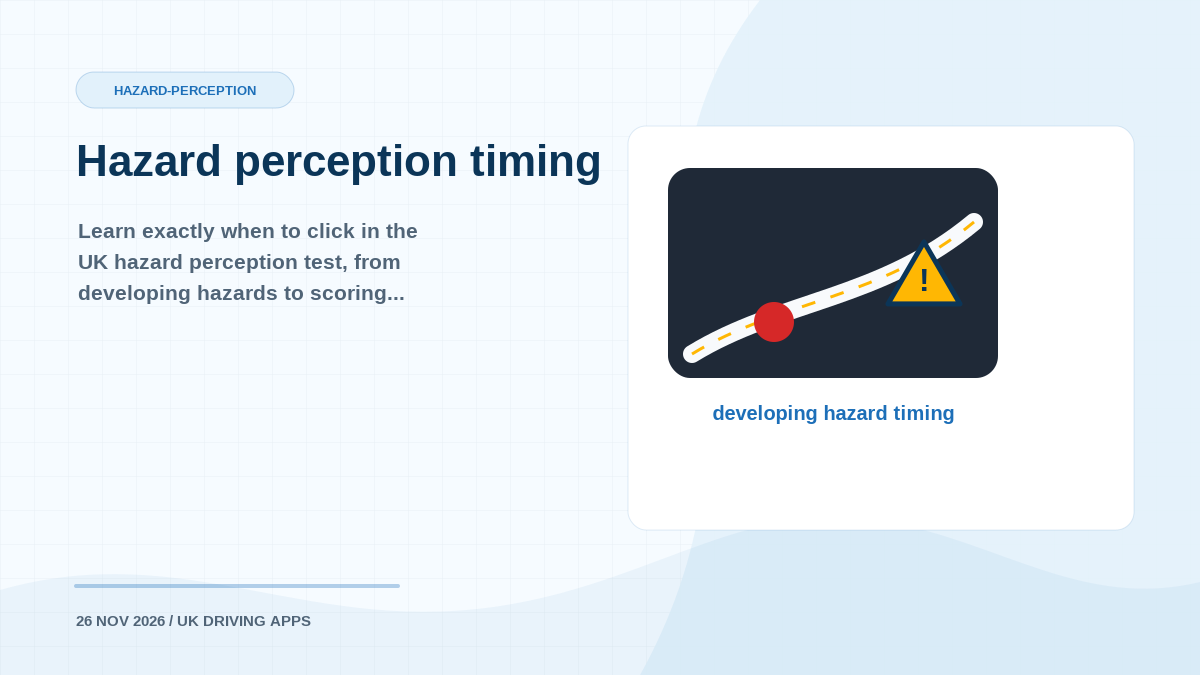
Most learners find the theory questions are the easy part of hazard perception. The hard part is knowing when to click. If you click too early you score nothing. If you click too late you pick up one point when you could have had five. The candidates who pass comfortably aren’t the ones with the fastest reflexes. They’re the ones who’ve learned to recognise a hazard while it’s still developing.
This guide covers the timing, the scoring window and the looking habits that get you full marks on each clip.
How the hazard perception test is scored
Before we talk about timing, here’s how the marks work:
| Candidate | Clips | Scored hazards | Max score | Pass mark |
|---|---|---|---|---|
| Car and motorcycle | 14 | 15 (one clip has two) | 75 | 44 |
| LGV and PCV | 19 | 20 (one clip has two) | 100 | 67 |
Every scored hazard has a scoring window that runs from 5 points down to 0. Click at the very start of the window and you get 5. Click near the end and you get 1. Click before or after the window and you get nothing.
Did you know? A scoring window can be long or very short. It depends on how quickly the hazard develops. A car indicating to pull out a long way ahead gives you a long window. A child running out from between parked cars gives you a very short one.
Think like the driver, not the viewer
The test is designed to show how you’d deal with dangerous situations on a real road. The best mindset is to imagine you’re actually in the driver’s seat. Keep asking yourself: what here could cause me a problem?
That changes when you click. Picture a pedestrian walking along the pavement close to a zebra crossing. At first they look as if they’ll walk straight past it. Then, as you get closer, they turn towards it. If you only click when they turn, you’ll score low. And in a real car you’d have been accelerating towards the crossing, so you’d have to brake hard.
A good driver treats anyone walking close to a crossing as a developing hazard, because they might turn to cross or even dart out. That’s the moment to click.
Remember: Good hazard perception means reacting early to things that are turning into a hazard. Reacting late, when the hazard is already on top of you, costs points.
The three stages of a hazard
It helps to think of every hazard as going through three stages:
- Potential hazard. Something that could become a problem, such as a parked van, a side road or a pedestrian on the pavement. Don’t click yet. Just watch it.
- Developing hazard. Something that’s starting to change and would make you slow down, stop or steer. This is where you click.
- Actual hazard. The danger is right in front of you. If this is your first click, you’ve left it far too late.
Blind bends are a good example. Imagine a corner with parked vehicles and street vendors blocking your view. You can’t see anything round the corner yet, but a sensible driver would slow down a lot on the approach. Clicking as you approach that blind corner is what scores the maximum. If you wait until a vehicle actually appears, it would be too late to brake safely in real life, and the test scores you accordingly.
For more examples of where to click, see our guide to hazard perception practice clips.
Scan the whole screen, not just the road ahead
When people drive, they tend to fix their eyes on the road straight ahead or on the car in front. Hazards often come from the edges of the screen: pavements, driveways, gateways, side roads and junctions.
If you see a pedestrian the moment they step off the kerb and click straight away, you’ll get the full five points. If you’re staring at the vehicle in front, it’ll take a few seconds to notice the person in the road, and your score drops quickly.
Tip: Keep your eyes moving. Sweep the screen from left to right: road ahead, both pavements, mirrors and side turnings. Then do it again. Don’t let your gaze settle on one spot.
Look “over, under, through”
If you’re having driving lessons while you revise for your theory test, your instructor may have used the phrase “over, under, through”. It’s a way of looking past parked cars:
- Over: look over the roofs of parked cars to see what’s coming further down the road.
- Under: look under the vehicles for feet or wheels that show someone’s about to step out.
- Through: look through the windows for people getting out, moving or about to open a door.
Here’s how that plays out in a typical clip. You’re driving down a road lined with parked cars. If you look over the cars, you’ll see a bus coming towards you on a road that’s clearly too narrow for both of you. That’s your developing hazard, and the right moment to click. If you wait until the bus is close enough that you can see the gap is too small, you’ll score poorly.
Long scoring windows: click two or three times
This is where a lot of learners lose easy marks. Say a car on the left starts indicating while you’re still a long way off. If you spot it straight away, you can score five points. But there’s a catch.
It’s very common to spot the thing that’s going to become the hazard and click before it has actually started developing. If that’s your only click, it falls outside the scoring window and you score zero, even though you saw the hazard first.
The fix is simple:
- Click once when you first spot the hazard developing.
- Click again, once or twice, as it carries on developing (the car starts moving, the pedestrian steps closer, the gap narrows).
- Space your clicks out. Leave a second or so between them. Don’t hammer the mouse.
The system counts your best-scoring click in the window, so extra clicks won’t spoil a good early one. They’re insurance in case your first click was a little too early.
Remember: If you click constantly or in a rhythm, the software flags it and you score zero for that clip. Two or three well-timed clicks per hazard is plenty.
There’s more detail on rhythm and click limits in Hazard Perception Test: The Clicking Strategy That Actually Scores Points.
Quick checklist for test day
Before each clip starts, run through this:
- Picture yourself behind the wheel.
- Scan the whole screen, including the pavements and side roads.
- Use “over, under, through” whenever you pass parked vehicles.
- Click when something starts to change, not when it’s already dangerous.
- Add one or two follow-up clicks while it keeps developing.
- Never click in a pattern.
Hazard perception is taken in the same sitting as the multiple-choice questions, and you need to pass both parts. Our guide on how to pass the UK driving theory test first time shows how to fit hazard practice into a full revision plan.
Practise hazard perception with our apps
You can’t learn click timing by reading about it. You need to watch clips, check your scores and adjust. Our apps include hazard perception practice next to the full DVSA question banks, so you can revise both halves of the test in one place:
- Car Driving Theory Test: all 758 DVSA questions across 15 topics, 46 hazard perception clips, timed 50-question mock tests and the complete Highway Code, with your progress synced over iCloud.
- Motorcycle Theory Test: for riders moving on from CBT to an A1, A2 or full A licence, with all 707 DVSA questions across 15 topics, 46 hazard perception clips, timed mock tests and the complete Highway Code.
- LGV & HGV Theory Test & Toolkit: 1,068 DVSA questions across 15 topics, 46 hazard perception clips, the complete Highway Code, 35 Driver CPC Module 2 case studies with a timed mock, and seven Driver Tools for your working week.
- PCV Theory Test & Toolkit: 804 DVSA questions across 15 topics, 46 hazard perception clips, the complete Highway Code, 28 Driver CPC Module 2 case studies with a timed mock, and seven Driver Tools, including GB domestic PSV drivers’ hours and a duty log.
Across all 8 apps on drivingapps.co.uk there are more than 5,700 questions covering car, motorcycle, lorry, bus, instructor, road signs and more. You can also try free quizzes right here on the site with no sign-up needed. Click early, keep your eyes moving, and good luck with your test.
Frequently asked questions
When should I click in the hazard perception test?
How many times should I click on each hazard perception clip?
Can clicking too early lose me points in the hazard perception test?
What is the pass mark for the hazard perception test?
What is a developing hazard?
Related apps




Try a free practice quiz
Reading is great. Practising is better. No sign-up required.